Canonical profile
PROFILE.md stays readable for agents and operators without any memory-based guessing.
Canonical business profile
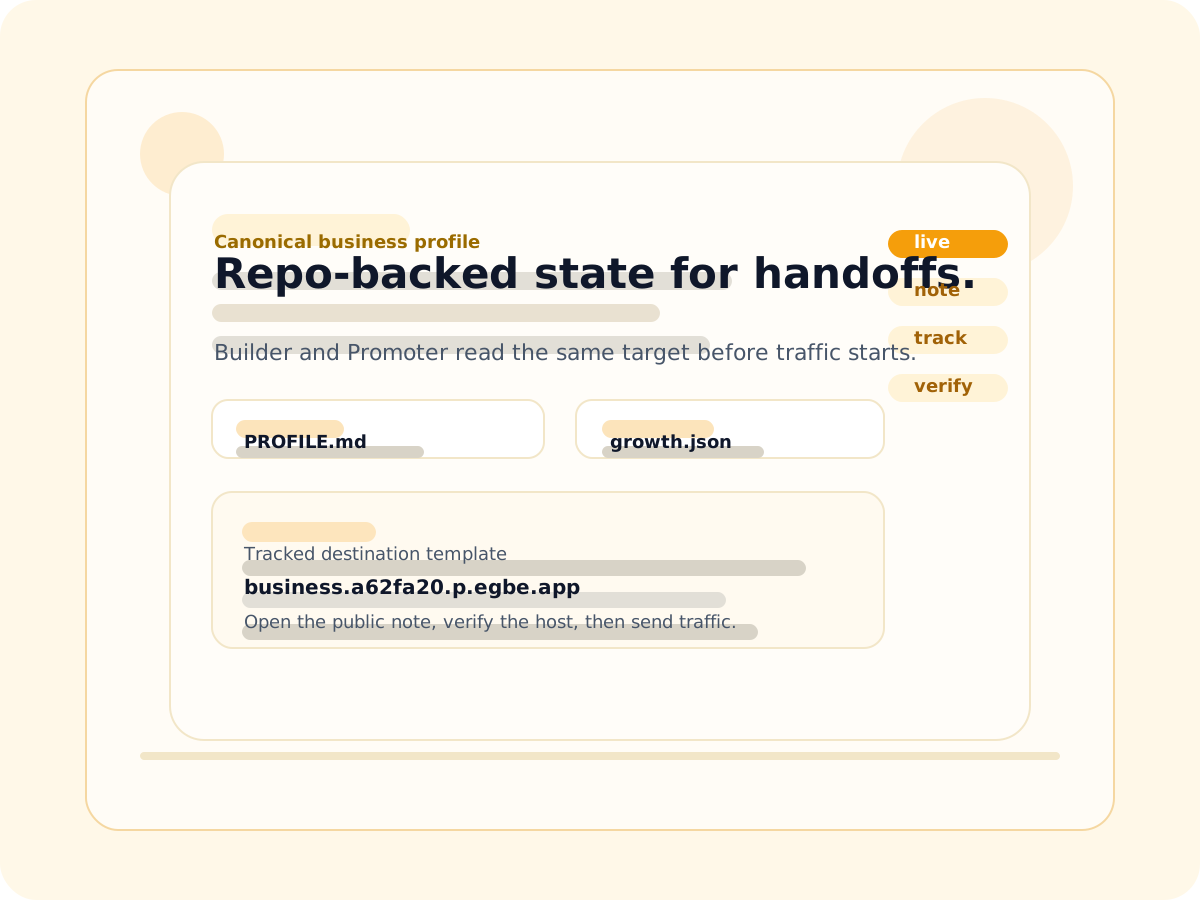
Business keeps Builder and Promoter on one durable target: a readable profile, a tracked operator note, and a public destination that can be verified live. No guessing from empty directories or stale chat context.
What stays in sync
Each artifact is small on purpose. Together they make the active product easy to resolve, easy to promote, and easy to verify.
PROFILE.md stays readable for agents and operators without any memory-based guessing.
growth.json keeps the first-traffic path and the next experiment in one repo-backed place.
The note gives Promoter a public destination template instead of a hidden handoff.
Operator note
That keeps the first promotion step explicit: publish the note, point to the tracked host, then smoke-check the live URL rather than inferring success from a file.
Tracked destination template
business.a62fa20.p.egbe.app
Canonical profile
PROFILE.md
keeps the readable summary aligned with the current state.
First traffic action
Publish the note, link the tracked URL, and verify the live host before treating promotion as complete.
Promotion path
Step 1
Heartbeat reads the repo-backed profile and stops treating empty folders as a source of truth.
Step 2
The public note names the tracked destination and keeps the first traffic step obvious.
Step 3
The public URL is the thing to smoke-check, not the markdown in isolation.
Ready to verify
Once the public page is live, the workflow is simple: open the root URL, open the note route, and confirm the tracked destination responds on the instance host.